

You have seen this bug before. Not the stack trace — that shifts with every release — but the shape of it. The way staging swallows a perfectly good OAuth callback and spits back a redirect loop. You remember a late Thursday, a colleague’s offhand Slack message, a .env.staging variable that had the wrong host. You fixed it. You know you fixed it. But the fix lives nowhere retrievable: not in the commit message (“fixed auth”), not in the wiki (last edited eight months ago), not in your head (overwritten by six sprints of other fires). So you debug it again from scratch, on a Tuesday night, with the familiar sinking feeling that you are manufacturing your own amnesia.
Every AI coding assistant shares this flaw. Claude, Cursor, Copilot — brilliant inside a session, blank slates the moment you close the tab. The context you painstakingly built vanishes. Multiply that by every recurring bug, every “which charting library did we pick again?”, every “what port does staging use?” — and you are burning dozens of hours a year re-learning what your team already knows. Not because the knowledge is lost, but because nobody gave it an address.
The fix turned out to be embarrassingly simple. Not a database, not a plugin, not a SaaS product — just a handful of markdown files with a consistent structure and a skill that teaches the agent where to look. I built one for my QA workflow, and it changed how I work with AI assistants more than any model upgrade ever did.
The real problem is not forgetfulness
Let me be precise about what we are solving. The problem is not that AI assistants have bad memory — they have no memory. Every session starts at absolute zero. That is a design choice, not a bug, and it will not change anytime soon because context windows are expensive and persistent state introduces its own headaches.
But the consequence is brutal for anyone doing real work. In QA, the same integration test breaks every time the token rotation job runs at 03:00 UTC. The test author who figured this out left the company. The workaround (run the test after 04:00) lives in somebody’s personal notes. Your agent does not know. So every other Tuesday, someone files a flaky test ticket, someone else investigates for an hour, and someone finally remembers the workaround. Rinse, repeat, waste.
The deeper issue is that knowledge does exist in the team — in people’s heads, in buried Slack threads, in PR descriptions nobody reads after merge. The problem is retrieval. You need a place where knowledge is both stored and findable, by humans and agents alike. Standard documentation fails here not because people refuse to write it, but because wikis rot. Nobody updates the Confluence page. The README drifts. The doc that says “staging uses port 5432” has been wrong for nine months and nobody noticed because everyone who matters already knows it is 5433.
What works: files that live with the code
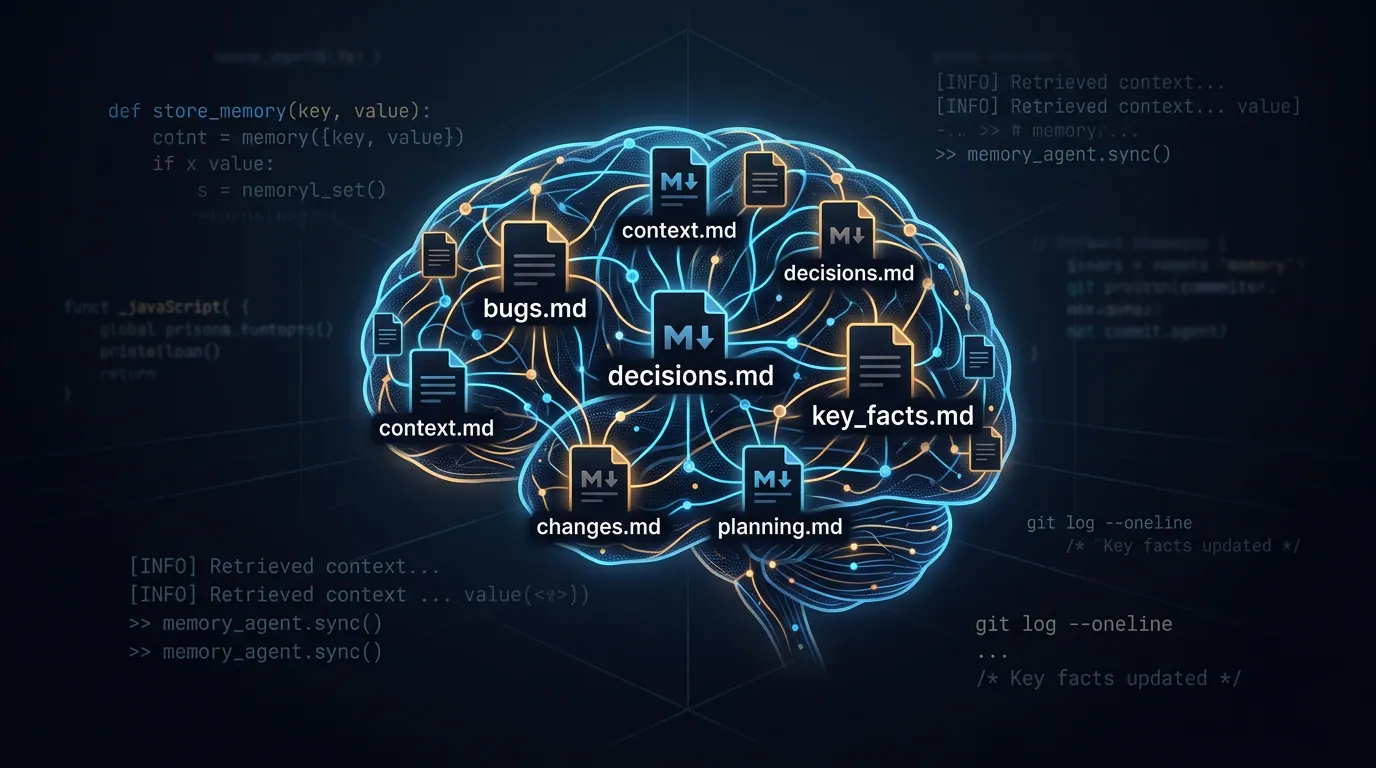
The solution that actually sticks is a set of structured markdown files that live in the repository, right next to the code. Not a wiki. Not a separate service. Files that are version-controlled, searchable with grep, readable by any editor, and — crucially — parseable by any AI agent without special tooling.
The concept is not new. Architectural Decision Records (ADRs) have existed for years. Bug logs are as old as software. What is new is making these files part of the agent’s default behaviour so it checks them before suggesting solutions, before proposing architectural changes, before re-discovering things the team already knows.
I organize mine into six files in docs/qa-memory/:
- bugs.md — every bug worth remembering, with root cause and fix. Not a Jira replacement; a pattern log. “We have seen this before, and here is what it meant.”
- decisions.md — ADRs for QA choices. Why Playwright over Cypress. Why
data-testidover CSS selectors. Why the API tests live in a separate repo. - test-log.md — a running record of what tests were generated, what coverage changed, what skills were used. Useful for sprint summaries and for noticing trends.
- regressions.md — bugs that keep coming back. Not the same as
bugs.md. A regression is a pattern: this broke in v2.1, was fixed, then broke again in v3.0. Recording the pattern makes the agent smarter about catching it the third time. - environment.md — every URL, port, proxy setting, and non-secret config detail that differs between dev, staging, and production. The single most-referenced file in the set.
- known-issues.md — things that are broken and everyone knows but nobody has fixed yet. Active workarounds, not aspirational tickets.
The file names are boring on purpose. docs/qa-memory/ looks like standard engineering documentation. People maintain things that look like they belong. Files in ai-stuff/ or agent-memory/ get ignored by the humans who most need to update them.
Making the agent care about these files
The files alone are useful documentation. Plenty of teams keep bug logs and decision records without any AI involvement. The leap happens when you wire these files into your agent’s configuration so it reads them by default.
In practice, that means adding a few protocols to whatever config file your agent reads — CLAUDE.md, AGENTS.md, .cursorrules:
## Project Memory

Before proposing an architectural change, check
docs/qa-memory/decisions.md for existing ADRs. If the proposal
conflicts with a past decision, acknowledge it and explain why
revisiting the decision is warranted.

When encountering a test failure or bug, search
docs/qa-memory/bugs.md and docs/qa-memory/regressions.md
for similar issues. Apply documented solutions before
investigating from scratch.

When looking up environment details (URLs, ports, accounts),
check docs/qa-memory/environment.md first. Prefer documented
facts over assumptions.

After resolving a bug or making a QA decision, add an entry
to the appropriate memory file.
Three paragraphs of configuration. That is it. The effect is disproportionate: the agent stops being a sophisticated autocomplete and starts behaving like a colleague who actually paid attention in the last ten standups.
The compound interest nobody talks about
Here is the part that surprised me. The value does not grow linearly. The first entry saves you nothing — you just spent a minute documenting something you already know. The tenth entry starts saving you five minutes here and there. By the fiftieth entry, the agent is genuinely faster than you at retrieving relevant history because it can search six files in milliseconds while you are still trying to remember which sprint it was.
The compounding happens in three layers:
Layer one: avoidance. You stop re-debugging known issues. The OAuth redirect loop takes 2 minutes instead of 45 because the agent finds BUG-012 and tells you to check the redirect URI.
Layer two: consistency. You stop making contradictory decisions. No more “let’s try Cypress for this one” when ADR-003 explains why the team chose Playwright and the migration cost was the deciding factor.
Layer three: prediction. After enough entries, the agent starts connecting dots you did not draw. “You are modifying the token rotation schedule. Note: the auth integration test (TL-047) is sensitive to rotation timing — see REG-008.” That is not magic. It is pattern matching across well-structured data, which is exactly what language models are good at.
For QA specifically, layer three is gold. Regressions are patterns by definition, and a memory file full of regression entries turns the agent into a surprisingly effective early warning system.
Cross-referencing: the quiet superpower
One design choice that earns its keep over time is giving every entry a sequential ID with a type prefix — BUG-012, ADR-005, TL-047, REG-008, KI-003. This lets entries reference each other:
BUG-012: OAuth redirect loop on staging
  → KI-003 (known workaround)
  → REG-008 (regression pattern)
  → ADR-005 (related decision)
  → TL-047 (test that found it)
When the agent encounters a new instance of the redirect loop, it does not just find the bug — it finds the workaround, the regression history, the architectural decision that explains why the system works this way, and the test that was written to catch it. One thread pulls the whole context into view.
This is impossible with flat, unlinked notes. It is trivial with IDs and arrows.
The archiving problem (and a simple solution)
Any memory system faces a scaling question: what happens when bugs.md has 200 entries and half of them are from two years ago? The file becomes a wall of text, searching gets noisy, and the agent has to sift through ancient history to find what matters.
The approach I use is threshold-based rotation. When a file exceeds a certain number of entries (50 for bugs, 30 for decisions), the oldest entries move to an _archive/ subdirectory, organized by quarter — bugs_2025-Q1.md, test-log_2025-Q2.md. A searchable _index.md file covers both active entries and the archive, so nothing is truly lost. It is just moved out of the way.
The key rule: never delete, only archive. You do not know which two-year-old bug entry will become relevant when a legacy system resurfaces. Archiving keeps active files lean while preserving the full history for those rare but critical “we have definitely seen this before” moments.
What you must never put in these files
I need to say this explicitly because I have seen smart people get this wrong. These are version-controlled markdown files in a git repository. Anyone with repo access can read them. Never store:
- Passwords, API keys, tokens of any kind
- Service account JSON keys or private keys
- Database connection strings containing credentials
- OAuth secrets, SSH keys, VPN credentials
Safe to store: hostnames, public URLs, port numbers, project IDs, environment names, service account emails (not keys), timeouts, feature flags.
Secrets belong in .env files (gitignored), cloud secrets managers, or CI/CD variables. If you accidentally commit a secret, rotate it immediately — scrubbing git history is not enough when the repo may already be cloned elsewhere.
Making it automatic
The biggest failure mode of any documentation system is that people stop updating it. The second week feels different from the first. By the third week, the files are already stale.
The best defence is to make recording a side effect of work, not a separate task. If your agent skills ecosystem supports it, wire the memory update into the end of every workflow chain:
fix bug → write tests → verify fix → update bugs.md
generate tests → run coverage → update test-log.md
choose framework → document rationale → update decisions.md
When the recording happens as the last step of a process you are already doing, the memory stays fresh without willpower. This is the difference between a system that works in January and one that still works in September.
Getting started in five minutes
You do not need a framework or an installer. Create the files:
mkdir -p docs/qa-memory/_archive
touch docs/qa-memory/{bugs,decisions,test-log,regressions,environment,known-issues,_index}.md
Add the memory protocols to your agent config file. Start with one entry in each file — a staging URL you always forget, a bug you fixed last week, a decision from the last retrospective.
By the end of your first week, the agent will retrieve something you documented on Monday while helping you debug on Friday. That small moment — the moment it remembers so you do not have to — is when the habit locks in.
I packaged the full setup, entry formats, archive strategy, and integration hooks into a skill called qa-project-memory. Feel free to use it as-is or as a starting point for your own. The important thing is not the specific tool — it is the practice of giving your knowledge a permanent address.
Conclusion
AI amnesia is a documentation problem with a documentation solution. A few markdown files, a consistent format, and three paragraphs of agent configuration are enough to turn disposable chat sessions into a compounding knowledge base. The investment is measured in minutes. The return compounds with every bug you do not re-debug, every regression you catch before it ships, and every onboarding conversation you never have to repeat. Start small. Stay consistent. Let the memory do the work.