

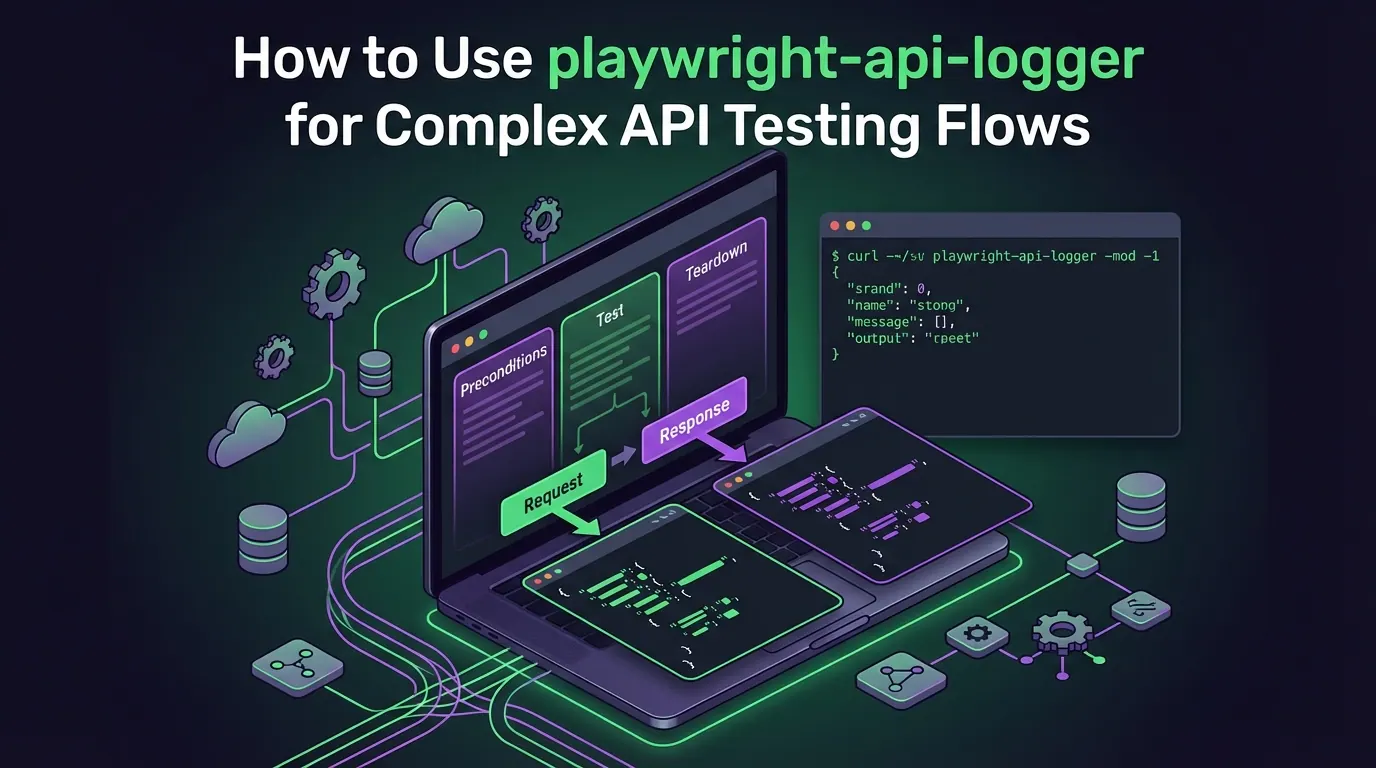
Complex integration test fails. In the logs you see a stack trace, an assertion message, maybe the body of the last response. But you do not see what happened before that: which preconditions ran, which steps executed, in what order and with which data. You have to reconstruct the flow from memory or rerun the test with extra prints. That is expensive.
playwright-api-logger does not teach you how to write tests — it makes each test tell a story. One file per test: all HTTP requests and responses, grouped into preconditions, test steps, and teardown, plus ready-to-run curl commands and automatic token masking. You turn logs on only where you need them — locally or in a dedicated CI job — and get the full flow instead of guessing.
Below is what this means in real scenarios and why it is worth having such a tool in your stack.
Full story instead of a single frame
When a single test creates several entities, talks to multiple services, or depends on queues and webhooks, a failure “somewhere around step N” does not tell you much. You need to know what was called right before that step, with which parameters, and how the backend responded at each stage.
playwright-api-logger writes one structured JSON per test. Inside you get:
- preconditions — all calls made while preparing data;
- steps (test) — the main actions that validate business logic;
- teardown — cleanup after the test.
Each entry contains the method, URL, status and body of the response, execution time, and a description of the step (the one you set via describe()). Together this gives you not “it failed here” but “here is the entire path to that place”. That is exactly what is missing when you debug long integration scenarios.
Reproduce a failing step in a minute: curl from logs
Every log record already contains a curl command — the exact one the test sent. Copy, paste into terminal or Postman, and you have a precise reproduction of the request. No manual reconstruction of headers, query parameters, or body.
In practice this means:
- fast reproduction of a failing step without rerunning the whole test;
- the ability to drop a concrete step into a ticket (Jira, Slack) — not “call this endpoint somehow”, but a ready command;
- less time spent figuring out which payload was actually “right” in complex integrations.
One picture for QA, developers, and DevOps
Structured logs also serve as living documentation of how the test really behaves. QA sees the actual sequence of calls; developers can align test expectations with business logic; DevOps can line up a failing test with backend logs and metrics in the same time window.
If you already care about API security and design (for example, you follow the OWASP API Security Top 10), these logs help you see how the system behaves in realistic, multi-step scenarios instead of isolated single requests.
Log safety: tokens stay out of artifacts
The logger automatically masks token-bearing headers (including Authorization). That gives you:
- logs that can be stored as CI artifacts without leaking secrets;
- files that you can safely attach to bug reports and tickets;
- simpler audit and review of test scenarios.
In security-focused environments this is not a minor detail.
Disabled by default — zero cost on normal runs
By default, logging is off (API_LOGS=false). Regular test runs pay almost no extra cost. You enable logs only where they bring value: locally when debugging, or in a dedicated CI job that uploads artifacts with full traces. This scales to hundreds and thousands of tests while still giving you a complete picture when you really need it.
Where it shines the most
Complex integration flows: user creation → assignment to an organization → contract creation → background worker processing; multiple roles (admin, manager, employee); flows that wait for a webhook or cron. Here the preconditions / test / teardown split and the full chain of requests before the failure significantly shorten debugging time.
Functional tests with tangled logic: when each call depends on the previous ones (multi-step state transitions, chained validations, conditional branches). From the logs you immediately see at which point the flow drifted away from the expected path.
How to try it (minimum)
Installation is straightforward: npm install playwright-api-logger (or yarn/pnpm). The idea is to wrap Playwright’s request with withApiLogging(request, testInfo) in a fixture and pass the wrapped context to your API client. Controllers and clients do not change — they still work with APIRequestContext. After the test finishes you call loggedRequest.__logger.finalize(status) and the logger writes a JSON file under logs/, one .log per test. To enable logging you flip the API_LOGS env variable to true (for example: API_LOGS=true npx playwright test). Integration details and context markers (preconditions / test / teardown) are documented in the GitHub repository.
Conclusion
playwright-api-logger turns API tests from a black box into a readable story: one JSON per test, clear sections, ready curl, and safe logs. A tiny change in your Playwright fixture buys you a big gain in debugging speed, incident analysis, and confidence in your API coverage. If you already use Playwright for integration or functional API tests, it is worth trying — even if only in a few scenarios or debug jobs at first.