

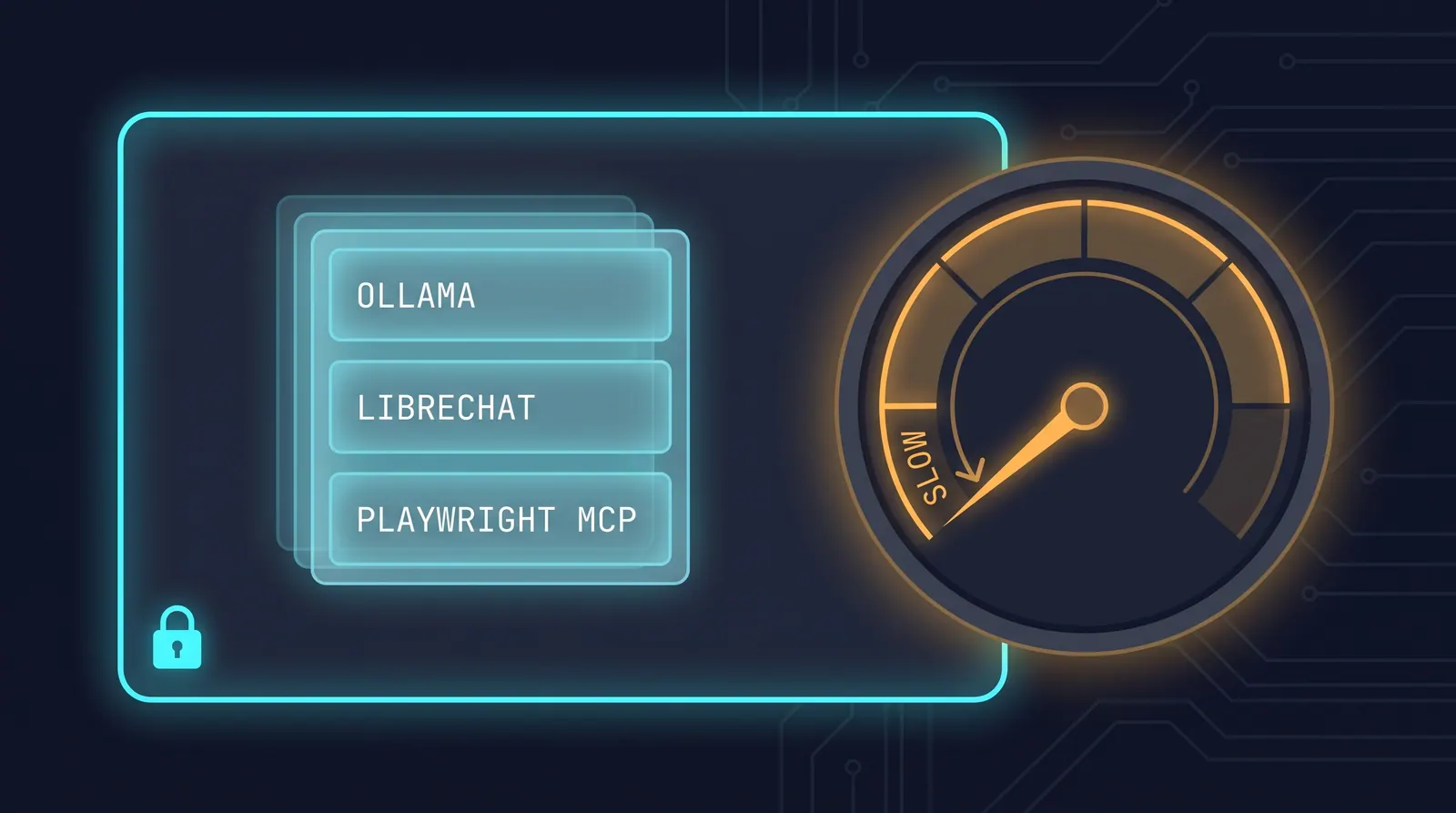
Every AI testing assistant I have written about so far sends something to someone else’s server. The page you are testing, the DOM snapshot, the test data in your fixtures — it all crosses a network boundary and lands in a vendor’s logs. For a public demo site that is fine. For a client’s staging environment under NDA, it is a conversation with your security team that you would rather not have.
There is a version of this that runs on your own hardware. A chat interface, a language model, a browser-automation bridge, and a real Chrome instance — four processes on one machine, with no test data or page content going to a hosted AI provider. Worth putting together to see whether “local” is a genuine alternative or a demo that falls apart on contact with real work.
The short version: it works, it has no per-run API cost, and it is roughly forty times too slow for CI. That is still useful, but not for the reason the setup guides suggest.
What the stack is
Four components, each doing one job:
You type “log in as john and check the accounts page.” LibreChat passes that to a model running under Ollama on your own hardware. The model does not touch the browser itself — it decides which tools it needs and emits those as Model Context Protocol calls. The Playwright MCP server turns those into real browser actions, drives Chrome, and hands the results back. The model reads what happened and answers in plain language.
The interesting part is the dashed line. Every arrow stays inside it: the DOM snapshots, the form values, the page text the model reasons over — none of it is sent to a hosted model provider. The host still talks to the network for everything else it normally would, and the browser still loads the site under test. What changes is that the inference happens on your side of the boundary.
Setup
You need Docker, Node.js 20+, Git, and Ollama. Budget 16 GB of RAM and about 25 GB of disk. A GPU helps a lot but is not required. The model runs on CPU, just slower.
The model
ollama serve          # leave this running
ollama pull qwen3:8b  # ~5.2 GB
qwen3:8b is the compromise choice: small enough to leave room for Docker and Chrome on a 16 GB machine, large enough to hold a multi-step tool plan without losing track halfway. On 32 GB you can go bigger and the reasoning gets noticeably steadier.
LibreChat
git clone https://github.com/danny-avila/LibreChat
cd LibreChat
cp .env.example .env
cp librechat.example.yaml librechat.yaml
cp docker-compose.override.yml.example docker-compose.override.yml
Register Ollama as a custom endpoint in librechat.yaml:
endpoints:
  custom:
    - name: "Ollama"
      apiKey: "ollama"
      baseURL: "http://host.docker.internal:11434/v1"
      models:
        default: ["qwen3:8b"]
        fetch: true
      titleConvo: true
      titleModel: "current_model"
      modelDisplayLabel: "Ollama"
Then mount that config into the container, in docker-compose.override.yml:
services:
  api:
    volumes:
      - ./librechat.yaml:/app/librechat.yaml
Mounting rather than baking it in means you can change endpoints and models without rebuilding the image — which you will do more than you expect while getting the MCP wiring right.
docker compose up -d, then http://localhost:3080 to register the first account.
The browser bridge
npx @playwright/mcp@latest --host 0.0.0.0 --allowed-hosts "*" --port 8931By default the MCP server binds to localhost only, which a container cannot reach. --host 0.0.0.0 opens it to the Docker bridge network and --allowed-hosts controls which Host headers it will answer.
The server prints its own recommended client config on startup, and it is worth reading rather than skipping:
Listening on http://localhost:8931
Put this in your client config:
{
  "mcpServers": {
    "playwright": {
      "url": "http://localhost:8931/mcp"
    }
  }
}
For legacy SSE transport support, you can use the /sse endpoint instead.
Note legacy. The current transport is Streamable HTTP at /mcp. Most walkthroughs of this stack tell you to use /sse, and at the time they were written that was necessary — LibreChat could not speak Streamable HTTP. Try /mcp first and only fall back if your version refuses the connection:
mcpServers:
  playwright:
    type: streamable-http
    url: http://host.docker.internal:8931/mcp
    timeout: 120000
host.docker.internal is how a container addresses a service on the host. The 120-second timeout is not as generous as it looks; see the timing section below.
Steering the model
An 8B model given browser tools will happily fire five calls at once, read a DOM that no longer exists, and then confidently report a passing test. Most of the reliability comes from constraining it. The rules that mattered:
## Tool usage
- One Playwright MCP tool at a time. Wait for each result before deciding the next action.
- Never assume page state. Take a fresh snapshot before interacting.

## After anything that navigates
Clicking Login / Submit / Continue, following a link, submitting a form —
treat the previous execution context as destroyed. Do not read the DOM until
the new page has loaded and you have taken a fresh snapshot.

## Locators
- Semantic only: getByRole, getByText, getByLabel, getByPlaceholder, getByTestId.
- No XPath. No brittle CSS.
- Use the field name exactly as it appears. Do not add prefixes or suffixes.

## On failure
Stop. Inspect the page. Determine whether navigation happened.
Never repeat the same click without confirming the page changed.
That last rule earns its place. Without it the model gets into a loop: click, read stale DOM, conclude the click failed, click again. The instruction to verify before retrying is what breaks the cycle.
Model parameters matter too. Low temperature, because you want the same plan for the same prompt:
| Parameter | Value |
|---|---|
| Temperature | 0.10 |
| Top P | 0.85 |
| Frequency / Presence penalty | 0.00 |
| Reasoning effort | Medium |
Worth noting that write-ups of this stack commonly say 0.2 in prose while their own screenshots show the slider at 0.10. Take the lower value. Tool selection wants the least creative setting you can give it — an invented locator strategy is not a better answer, it is a broken one.
Running it
The prompt style that works is closer to a test case than a conversation:
Navigate to https://parabank.parasoft.com/parabank/index.htm
Locate the "Username" field by its accessible label.
Enter "john".
Locate the "Password" field by its accessible label.
Enter "demo".
Click the "Log In" button by role.
Verify that the "Accounts Overview" page is displayed.
Naming the fields by label rather than by name=username keeps the prompt consistent with the
locator rules above. Hand the model a raw selector and it will use it, which quietly undoes the
discipline you just spent an instruction block establishing.
The agent resolves that into five tool calls:
browser_navigate    → parabank index
browser_fill_form   → username
browser_fill_form   → password
browser_fill_form   → submit
browser_click       → Log In
and reports back the landed URL and page title. It works.
Count the calls, though. Three browser_fill_form invocations for two fields — the model touched
the form once more than it needed to before clicking. Nothing broke, and the redundant call is
cheap against a five-minute run, but it is a fair sample of what an 8B model does with tools: it
takes the safe, repetitive route rather than the minimal one. Budget for a few of those per
scenario.
Vague prompts fail differently. “Log in and check it worked” produces a model that guesses at field names and then explains, at length, why its guess was reasonable.
Where it breaks
Four things the setup guides tend to leave out.
On Linux, host.docker.internal does not exist. It is a Docker Desktop convenience that resolves on macOS and Windows. On a plain Docker Engine install you get a DNS failure and a container that cannot see Ollama. Add the mapping explicitly:
services:
  api:
    extra_hosts:
      - "host.docker.internal:host-gateway"
16 GB is the floor, not the recommendation. The model wants ~6 GB resident, LibreChat’s containers take another 2, and Chrome under automation is not shy. On a 16 GB machine with a browser and an IDE already open, you are swapping.
The timeout defaults are optimistic. 120 seconds sounds like plenty until a seven-step scenario spends most of it waiting on token generation. Set it to 15 minutes and stop thinking about it.
Then the number that decides everything. A two-step check (open a page, verify the title) took about a minute before the first tool call and several minutes to finish. The seven-step login scenario ran from 12:01 to 12:07. Call it five minutes for a test that Playwright executes directly in under two seconds.
Those are observed runs, not a benchmark, and the distinction matters when you decide whether they apply to you:
| Machine | Apple M2 Pro laptop, 16 GB unified memory |
| Inference | CPU/integrated, no discrete GPU |
| Model | qwen3:8b via Ollama, default Ollama quantisation |
| Model state | Already loaded and warm before timing |
| Sample | Single runs per scenario, wall-clock from the chat transcript |
A single run on one laptop is weak evidence for a precise number and strong evidence for an order of magnitude. Treat “about five minutes” as the claim; do not treat 12:01 to 12:07 as a measurement you can compare your own hardware against. On a workstation with a discrete GPU the figure will be materially lower — and, per the loop below, still nowhere near two seconds.
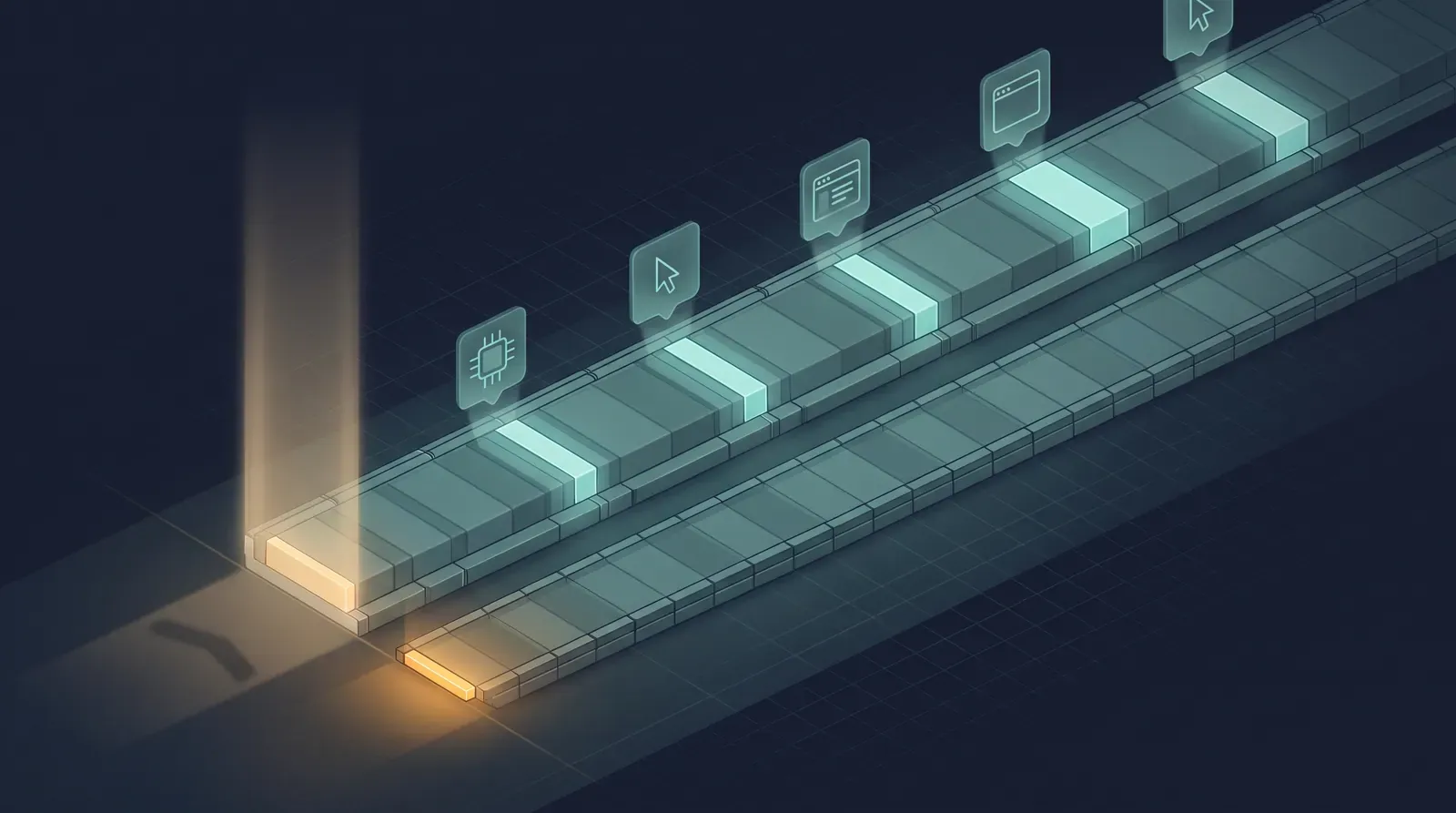
The same seven-step login, both ways. The bright segments on the long track are the five tool calls; everything between them is the model deciding what to do next. The amber tick is Playwright running the test directly.
Where the time actually goes
Worth being precise about this, because it determines whether the gap is a hardware problem or an architectural one.
A Playwright test already knows every step before it starts. It has the locators, the order, and the assertions compiled in. Execution is the browser doing what it is told.
The agent knows none of that. After each meaningful action it has to take a fresh page snapshot, serialise enough of that state into the context window, run inference over it, pick the next tool, call it, and then start the cycle again. Seven steps means seven passes through that loop, and the browser work inside each pass is the small part — Chrome is not what you are waiting for.
That distinction matters for what hardware buys you. A GPU cuts inference latency per pass, which is real. It does not remove a pass. The loop is in the design, not in the silicon.
So what is it actually for
That last number rules out the obvious use. A suite of 200 tests at five minutes each is sixteen hours. Better hardware narrows the gap — a GPU might get you to two minutes — but as the loop above shows, it shortens each pass rather than removing any, so the economics never reach deterministic execution. This is not CI infrastructure.
It is worth comparing against the alternatives on the axis that actually differs:
| Local stack | Hosted vision agent | Plain Playwright | |
|---|---|---|---|
| Per-run cost | Electricity | Per-token | Negligible |
| Page data sent to an AI provider | No | Yes | No |
| Time for a 7-step scenario | ~5 min | ~1 min | ~2 sec |
| Useful in CI | No | Marginal | Yes |
When I looked at vision-based E2E testing on a small budget, the constraint was the token bill. Here the bill is zero and the constraint is wall-clock time. You are picking which one you can afford, and for a suite that runs on every push, the answer is neither — you write the test.
Where the local stack does earn its keep is exploratory work on material you cannot send anywhere: walking an unfamiliar internal admin panel to find out what is even testable, reproducing a bug report against a staging environment covered by an NDA, or generating a first draft of test steps for a flow nobody has documented. Slow is acceptable when the alternative is doing it by hand, and free is the right price for something you run a few times a week.
It is also the cheapest way to build an accurate intuition for how MCP tool-calling actually behaves: which failure modes are the protocol’s, which are the model’s, and which are yours for writing a vague prompt. That intuition transfers directly to the hosted agents you will use in production.
One footnote worth tracking: this architecture predates Playwright bundling its own agent tooling. Version 1.62 ships a CLI that covers much of the same ground as the MCP server at a fraction of the token cost per call. If you are building this today, check whether the separate MCP server is still the piece you need.
Try it if
You handle code or environments that cannot go to a third party, you want to understand MCP by watching it fail rather than reading about it, or you simply want to know what the local-model tier is capable of right now. An afternoon of setup gives you a genuine answer.
Do not try it if you are hoping to replace part of your CI pipeline. That is a different problem, and the tool for it is still the test you write yourself.